
If you’re upgrading your PC or comparing RAM kits, you’ve probably come across terms like CAS Latency (CL) and memory timings, and wondered what they actually mean. While these numbers can look confusing at first, they play a key role in how fast and responsive your system feels.
In this guide, we’ll break down what CAS Latency is, how RAM timing works, and how it affects real-world performance. More importantly, you’ll learn how to choose the right balance between latency, speed, and capacity for your specific needs.
|
Key points to understand
CAS Latency (CL) measures response speed: Lower CL means RAM responds faster, but it’s only part of the performance picture.
CAS Latency is measured in cycles, not time: A higher CL doesn’t always mean slower performance if the RAM runs at higher frequency.
Balance matters more than a single number: The best performance comes from combining CAS Latency and frequency, not optimizing one alone.
Real-world impact depends on usage: Latency can matter in gaming and certain CPU-bound workloads, while bandwidth often plays a larger role in heavy data processing tasks. |
CAS Latency (CL) is the delay between when the CPU requests data and when the RAM begins to deliver it. This delay is measured in clock cycles, not in seconds.
You’ll usually see CAS Latency as the first number in a RAM timing string, such as CL16 in 16-18-18-38. This number represents how many clock cycles the RAM needs before it can respond to a data request. In general, a lower CL means faster response time.
RAM stores data in a grid of rows and columns. When the CPU requests data, the memory controller first activates the correct row, then selects the specific column where the data is located. CAS Latency measures the delay between selecting that column and the moment the data starts being sent back to the CPU.
This delay exists because the memory needs a few clock cycles to prepare and return the data. A lower CAS Latency means fewer cycles are required, resulting in faster response times. However, CL is only one part of the process, so overall performance still depends on both timing and RAM frequency working together.
When checking RAM specifications, you’ll often see a sequence like 16-18-18-38. These are the primary memory timings, and each number represents a different delay in the data access process.
In general, lower numbers mean tighter timings and faster performance, but they should always be considered alongside RAM frequency. A kit with slightly higher timings can still perform better if it runs at a higher speed.
When choosing RAM, one of the most common questions is whether lower CAS Latency (CL) or higher frequency (MHz/MT/s) matters more. The short answer: both matter. And you can’t judge performance by looking at just one.
CAS Latency and frequency represent two different aspects of RAM performance:
This creates a natural trade-off:
For example:
That’s why comparing RAM based on CL alone can be misleading. A higher CL doesn’t automatically mean slower performance if the frequency is also higher.
Real latency matters more
To fairly compare different RAM kits, you need to look at real latency, measured in nanoseconds (ns). This converts CAS Latency from clock cycles into actual time.
A simplified way to estimate real latency is:
Real Latency (ns) ≈ (CL ÷ Frequency) × 2000
This gives you a clearer picture of how fast the RAM actually responds.
Example comparison
Even though the second kit has a higher CL, both deliver almost identical real latency. However, the 3600MHz kit offers higher bandwidth, which can improve performance in certain workloads.
CAS Latency does affect real-world performance, but how much it matters depends heavily on what you use your PC for. In most cases, the difference between RAM kits isn’t about raw speed, but about consistency, responsiveness, and smoothness.
For gaming and streaming
For gamers, CAS Latency can have a noticeable impact on frame stability, especially in CPU-heavy or open-world games.
In practice, you may not see a huge increase in average FPS, but you’ll feel a more stable and consistent experience—which matters more during actual gameplay.
For content creation and programming
If you work with demanding applications, CAS Latency plays a role in how quickly your system handles large or complex data.
While CPU and GPU still do most of the heavy lifting, optimized RAM (good CL + frequency) helps reduce bottlenecks and keeps workflows smoother.
For office work and everyday use
For general users, CAS Latency is far less critical.
In this case, it’s better to prioritize:
In short, CAS Latency does matter, but mostly in performance-sensitive scenarios like gaming and content creation. For everyday use, the impact is minimal, and focusing on capacity and overall balance will give you better results.
When comparing DDR4 vs DDR5 RAM, many users notice one confusing detail: DDR5 has much higher CAS Latency numbers, yet it often delivers better performance. The reason comes down to how latency actually works, and how modern memory is designed.
Here’s a simplified comparison to help you understand how they differ:
|
|||||||||||||||
At first glance, DDR5 seems worse because of its higher CL values. But when converted to real latency (nanoseconds), the difference is much smaller, and in many cases, DDR5 often delivers similar or slightly higher real latency, but compensates with significantly higher bandwidth and improved parallelism.
The key reason DDR5 performs better isn’t lower latency. It’s massively increased bandwidth and improved architecture.
Here’s what changed:
What this means in real use
Even though DDR5 has higher CAS Latency numbers on paper, its higher speed and smarter design more than compensate for it.
If you’re upgrading your PC in 2026, the goal is to choose a balanced RAM setup, not just the lowest CAS Latency, but the right combination of CL, frequency, and capacity.
Recommended RAM Configurations
6000MHz CL30: Best overall balance
This is widely considered the sweet spot for modern gaming and everyday performance. It offers fast response times, strong stability.
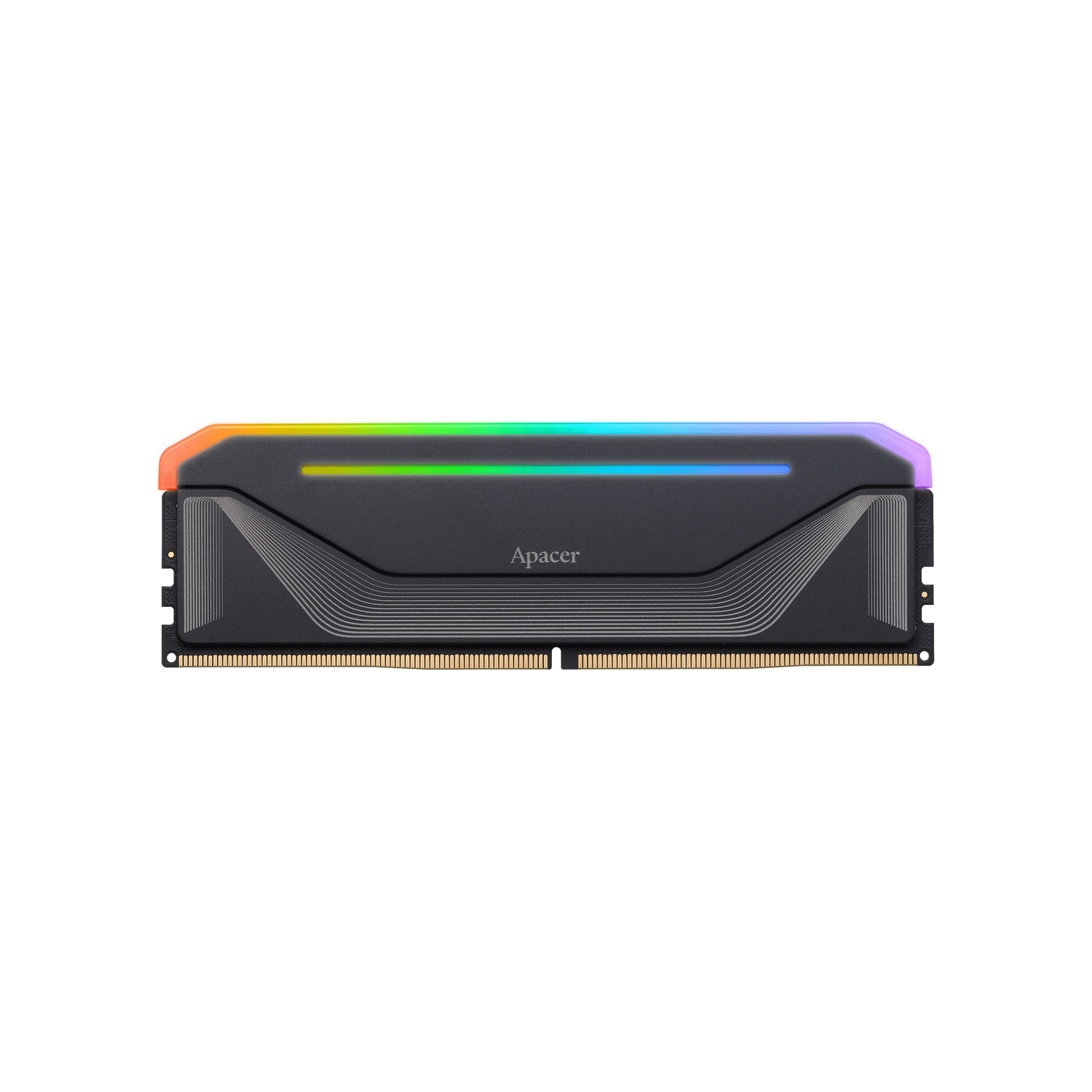
A solid example in this range is the Apacer NOX RGB DDR5. It’s designed with a clear focus on performance and stability, with support for Intel XMP 3.0 and AMD EXPO for easy one-click tuning. The module also features a PMIC (power management chip) for more stable power delivery and an aluminum heatsink that helps keep temperatures under control during heavy workloads.
6000–6400MHz CL32–CL36: High performance
This range is ideal for users who need more bandwidth, such as content creators, developers, or anyone running heavy multitasking workloads with 32GB–64GB RAM. You get higher data throughput while still maintaining good overall latency.
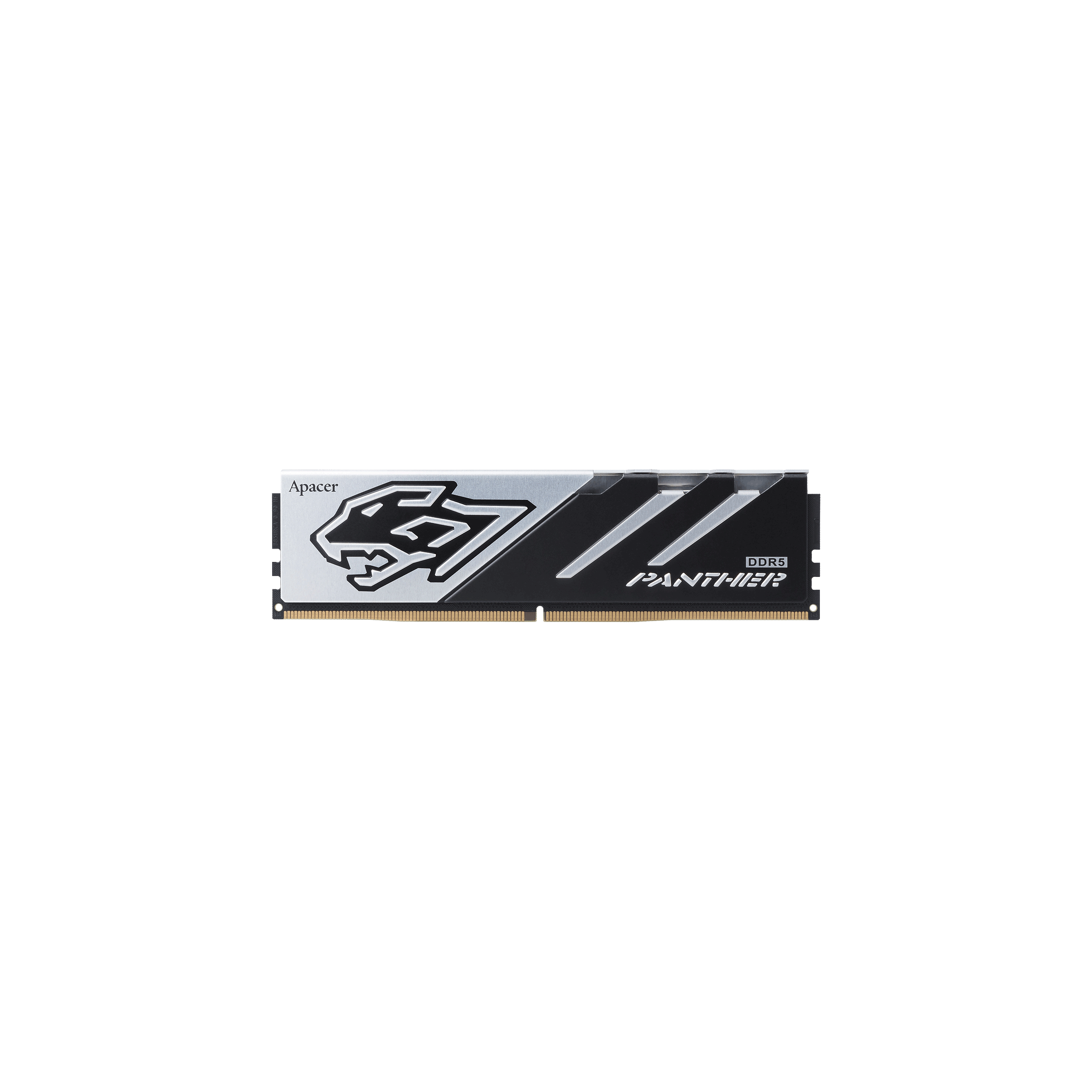
A strong option here is the Apacer PANTHER DDR5, focused on stability and wide compatibility rather than flashy design. It uses high-quality DRAM ICs for consistent performance, supports Intel XMP 3.0 and AMD EXPO, and features an aluminum heatsink for effective cooling. With speeds up to 6400MHz+, it’s a reliable choice for high bandwidth performance without RGB extras.
5600MHz CL28 / 6000MHz CL36: Budget-friendly
These configurations offer good value while keeping latency at a reasonable level. Suitable for mid-range builds.
3600MHz CL16–18: High-end DDR4
A great choice for older Ryzen systems, offering tight timings and solid overall performance.
3200MHz CL16: Standard baseline
Reliable, affordable, and more than enough for everyday use and light gaming.
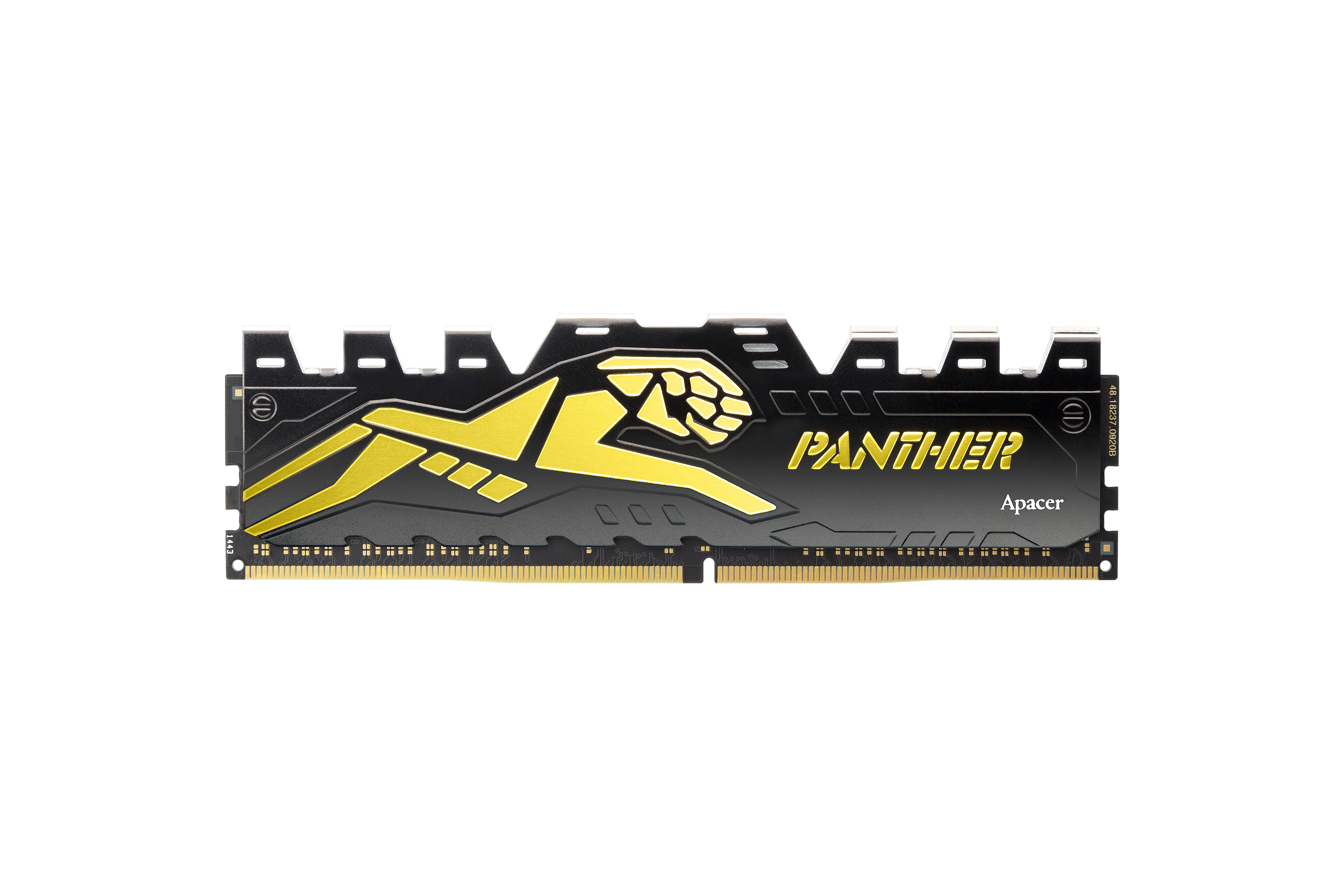
A good fit here is the Apacer PANTHER DDR4, offering stable performance and strong compatibility with both Intel and AMD platforms. With 3200MHz CL16, low power usage, and XMP 2.0 support, it’s a reliable, no-frills choice for everyday tasks and light gaming.
Notes:
Real latency matters more than raw CL: Kits like 6000 CL30 (DDR5) and 5600 CL28 often deliver similar real-world responsiveness
For gaming: Lower latency helps improve frame stability (1% lows) more than just increasing speed
Capacity still matters most
Don’t forget XMP/EXPO: Always enable memory profiles in BIOS to get full performance
CAS Latency is an important part of RAM performance, but it’s not something you should look at in isolation. The best results come from a balanced setup, where latency, frequency, and capacity work together. Focus on what matters for your workload, and you’ll end up with a system that feels fast, smooth, and ready for modern demands.