
Choosing DDR5 RAM can be confusing at first, especially when you’re staring at specs like CL30, CL32, or CL36 and trying to figure out what actually matters.
The truth is, CAS latency isn’t something you need to overanalyze. Once you understand how it works and how it pairs with memory speed, picking the right RAM becomes straightforward. This guide breaks it down in simple terms so you can choose the best DDR5 setup for your needs and budget without second-guessing your decision.
DDR5-6000 with CL30 is the current sweet spot for most users, especially on AMD AM5 systems. It offers an excellent balance of speed, responsiveness, stability, and price.
CAS Latency, or CL, is the number of clock cycles between your system requesting data and the RAM starting to deliver it.
It’s one of the main timing values on any memory kit, but it gets the most attention because it directly affects how responsive your system feels. Lower CL means fewer cycles of delay, so in theory, faster response.
However, this is where DDR5 often gets misunderstood.
A DDR5 kit with CL30 is not slower than a DDR4 kit with CL16, even though the number is higher. That’s because CL is measured in cycles, not actual time, and DDR5 runs at much higher frequencies. Each cycle is shorter, so the total delay can be the same or even better.
To understand real performance, you need to look at true latency, which combines both CL and frequency into a single, real-world value. True latency measures how long your system actually waits for data, in nanoseconds (ns).
True Latency (ns) = (CL ÷ (Frequency in MHz ÷ 2)) × 1000
For example:
This explains two important things.
First, DDR5-6000 CL30 and DDR4-3200 CL16 deliver nearly identical latency, even though the CL numbers look very different. Second, within the same speed tier, a lower CL still matters—a CL30 kit is clearly faster than CL40 because it responds several nanoseconds quicker per request.
In practice, this is the number that actually reflects real performance. Once you understand true latency, comparing RAM becomes much more straightforward, and you won’t get misled by larger CL numbers on newer DDR5 kits.
At this stage, the key is simple: the “best” CAS latency depends on how you use your PC. Instead of chasing numbers, you want a RAM setup that fits your workload.
If you mainly play competitive or CPU-heavy games, memory latency has a real impact, especially on 1% low FPS and overall smoothness.
This is where a kit like DDR5-6000 CL30 makes the most sense.
Recommended: Apacer NOX RGB DDR5
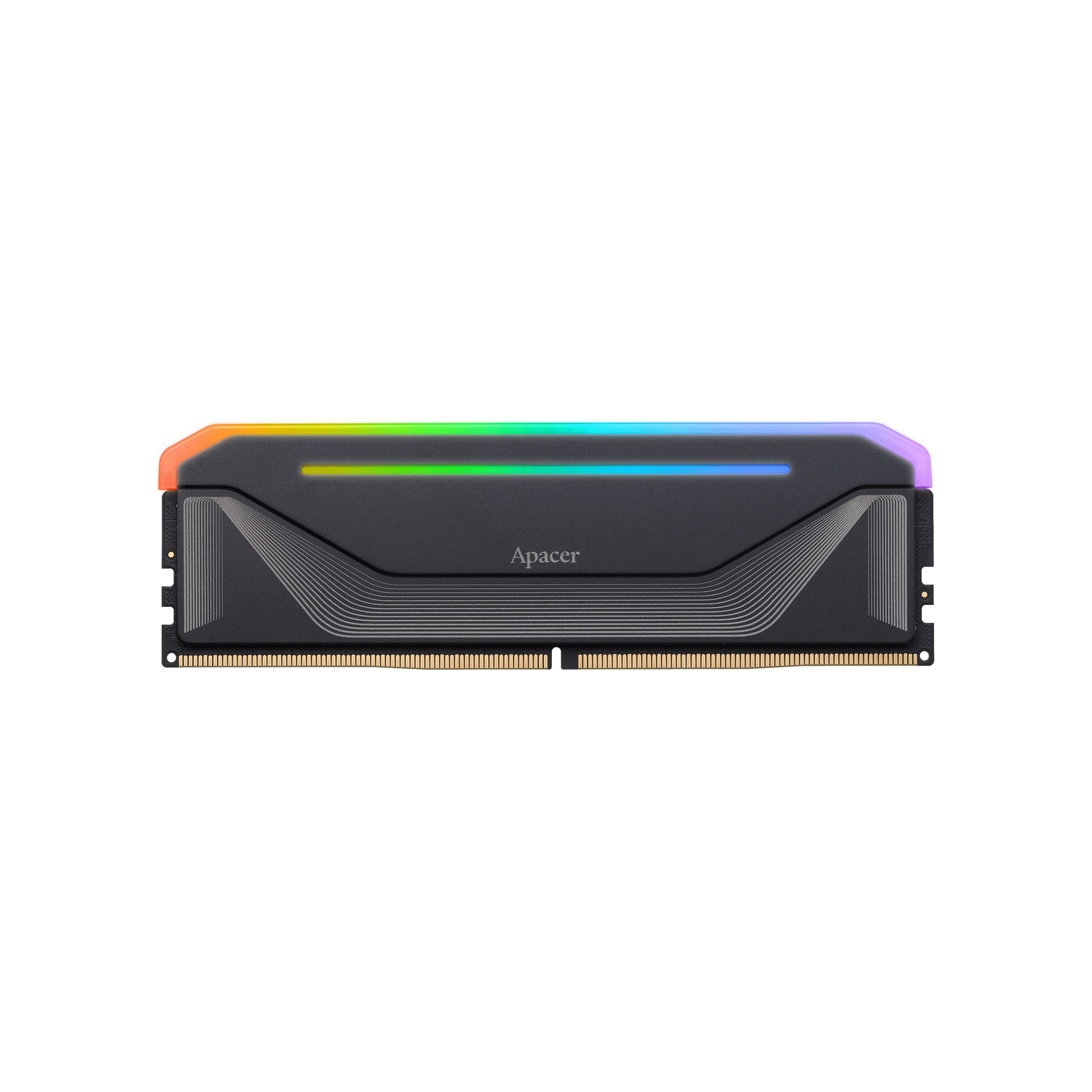
Why this works well:
At 4K resolution, the GPU becomes the bottleneck. This means CAS latency matters less, and overall speed (bandwidth) becomes more important.
You can safely step down to a higher CL if it saves money.
Recommended: Apacer PANTHER DDR5 6000MHz
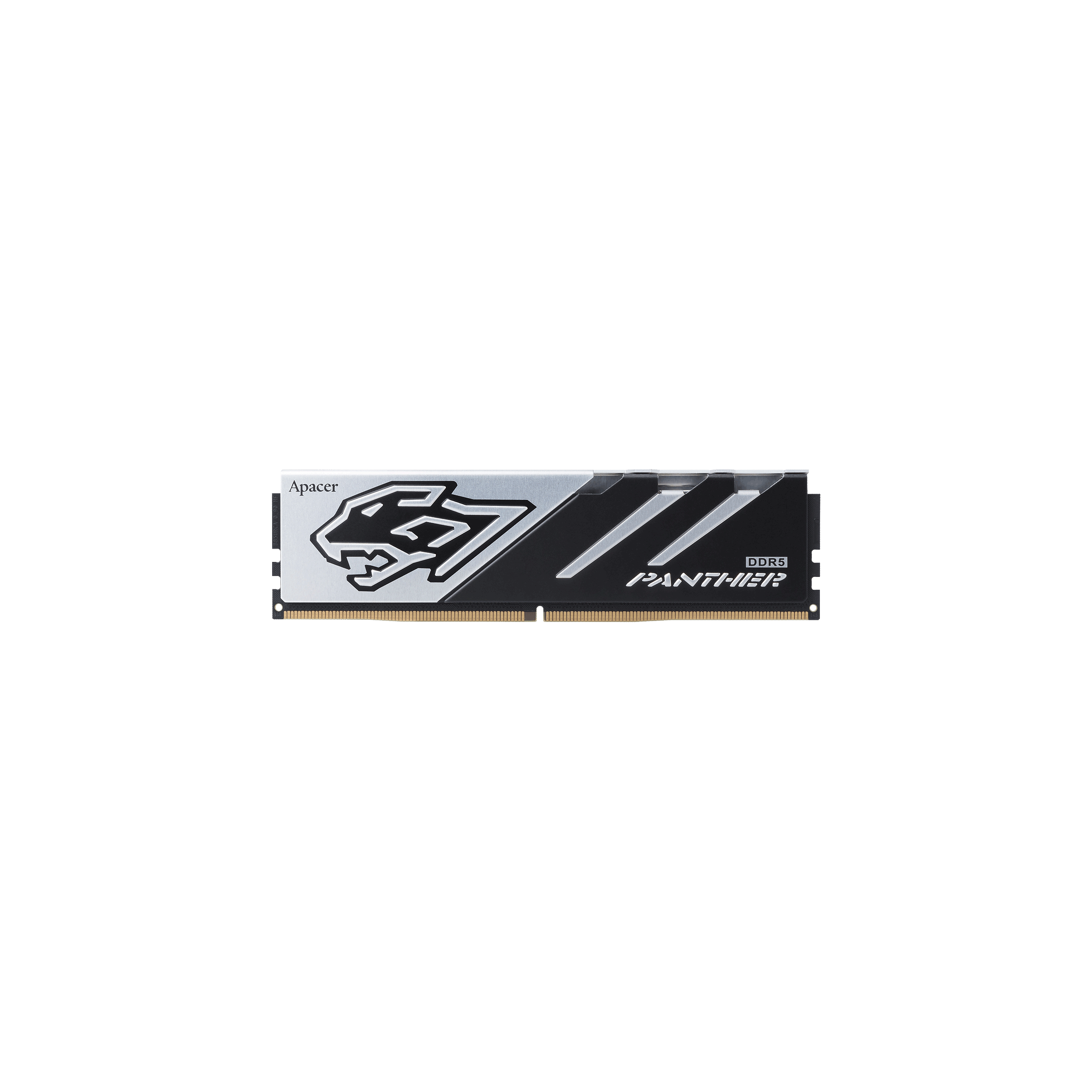
Why this is a smart choice:
For workloads like video editing, rendering, or heavy multitasking, bandwidth matters more than latency.
You’re moving large amounts of data, so higher frequency becomes more valuable than shaving a few nanoseconds.
Recommended: Apacer NOX DDR5 6000MHz (Also available in higher-speed variants like 6400MHz CL32)
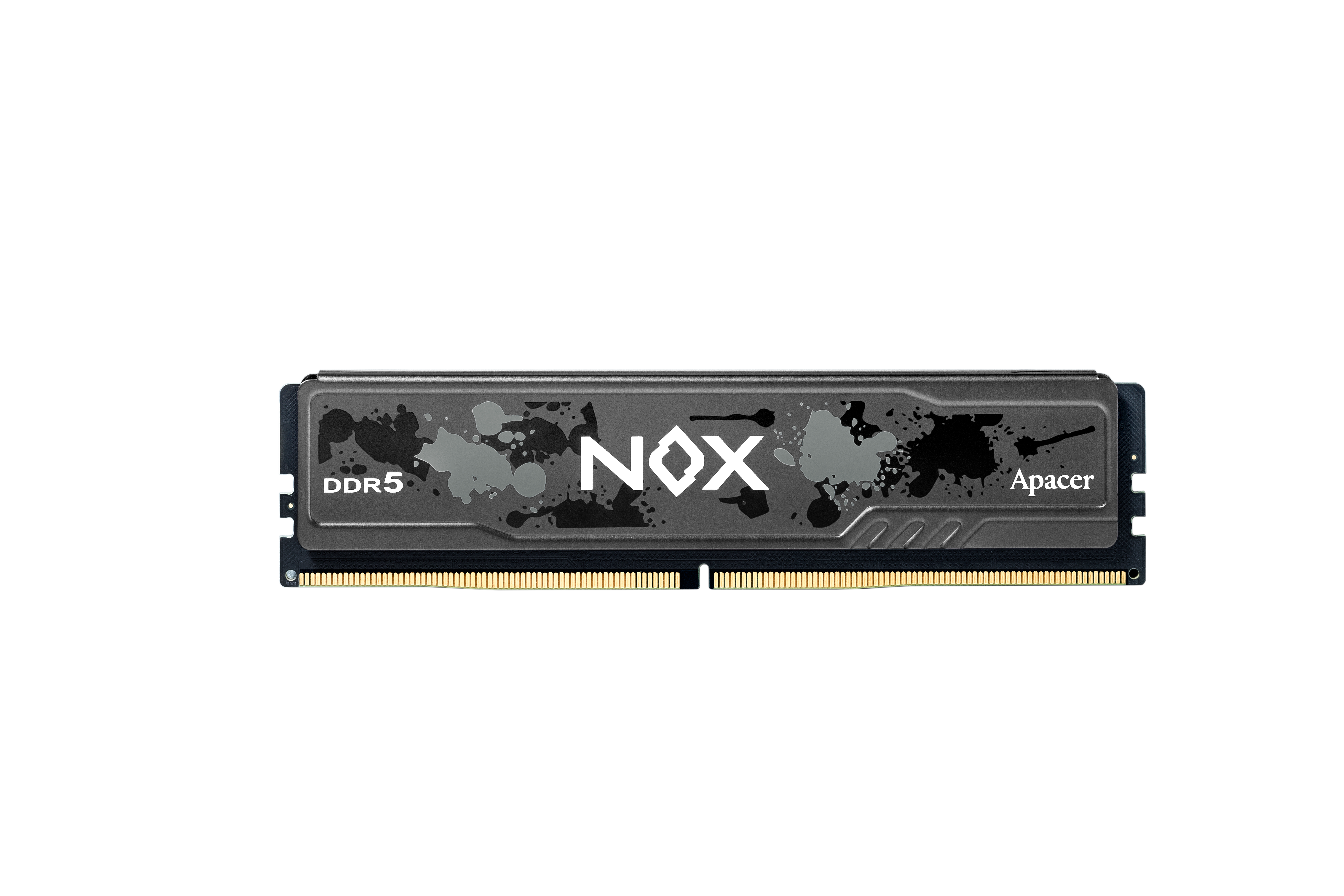
Why it fits productivity workloads:
For everyday use, CAS latency differences are barely noticeable. What matters more is having enough memory capacity.
Recommended: Apacer NOX 32GB DDR5 5200MHz Kit
Why this makes sense:
When you look at a DDR5 RAM label, you’ll usually see something like:
DDR5-6000 CL30-36-36-96 1.35V (XMP/EXPO)
Here’s what each part actually means:
|
||||||||||||||||||||
At this point, you don’t need to overthink CAS latency. Choosing the right DDR5 RAM comes down to a few practical rules that actually matter when you’re upgrading your PC.
The most common mistake is focusing on just one number. A high frequency with very high CL won’t perform well, and a very low CL with low speed isn’t ideal either. What you want is a balanced combination.
For most builds today:
If your main use is gaming, especially at 1080p or 1440p, latency plays a noticeable role.
Lower CL helps with:
That’s why CL30 at 6000MT/s is considered the sweet spot for gaming.
For tasks like video editing, rendering, coding, or heavy multitasking, the priority shifts. These workloads benefit more from higher memory speed (bandwidth) than slightly lower latency.
A setup like: 6000–6400MT/s with CL32–36 is a better choice than chasing the lowest CL.
If you’re trying to save money, you don’t need to aim for CL30.
It’s a smart way to cut cost without sacrificing much real-world performance.
Capacity often matters more than latency.
In many cases, upgrading from 16GB to 32GB will give a bigger improvement than lowering CL.
RAM is only one part of performance. Even the best DDR5 kit won’t help much if:
For best results, pair your RAM with a fast NVMe SSD and a capable CPU.
At the end of the day, there’s no single “perfect” CAS latency—only what makes sense for your build. For most users, DDR5-6000 CL30 or CL32 hits the sweet spot, offering strong performance without unnecessary cost. If you’re on a tighter budget, CL36 is still a perfectly solid choice.
Focus on balance, match your RAM to your workload, and don’t forget the bigger picture: capacity and overall system performance matter just as much. Get those right, and your upgrade will feel fast, smooth, and well worth it.